The PINDIS display window
The results of comparisons made
by PINDIS are displayed as follows:
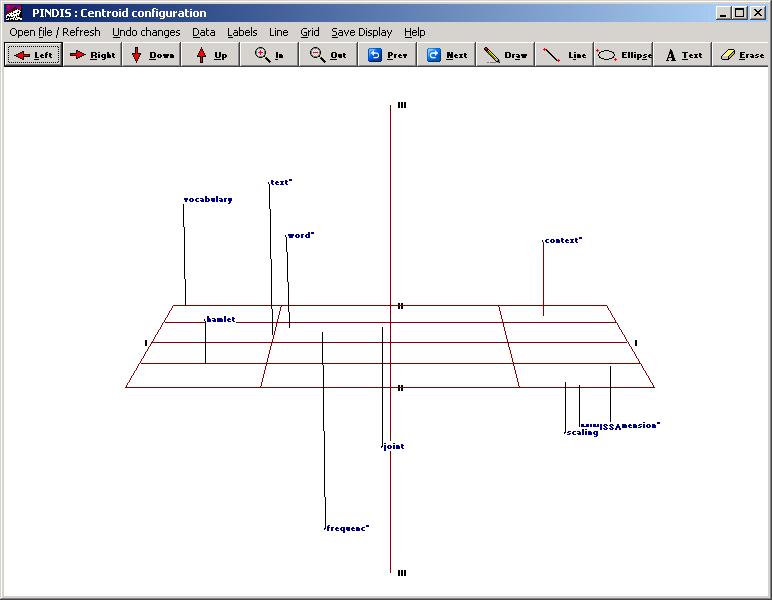
- Click on Open file to change file
displayed; View/Edit Data to review
the PINDIS output file.
- Use ALT+PrtScr to save the current display to the
Clipboard for inclusion in other documents.
- Use the keys shown to rotate and zoom the display.
- Use the Next and
Previous buttons to review the set full set
of displays generated by PINDIS.
- Note that SUBJSTAT
provides an appropriate arc-distance measure for the
analysis of the significance of distances between items in the
subject space coordinates produced by PINDIS .
See also "An example of using PINDIS".